Last updated: October 2, 2026 at 3:49 PM
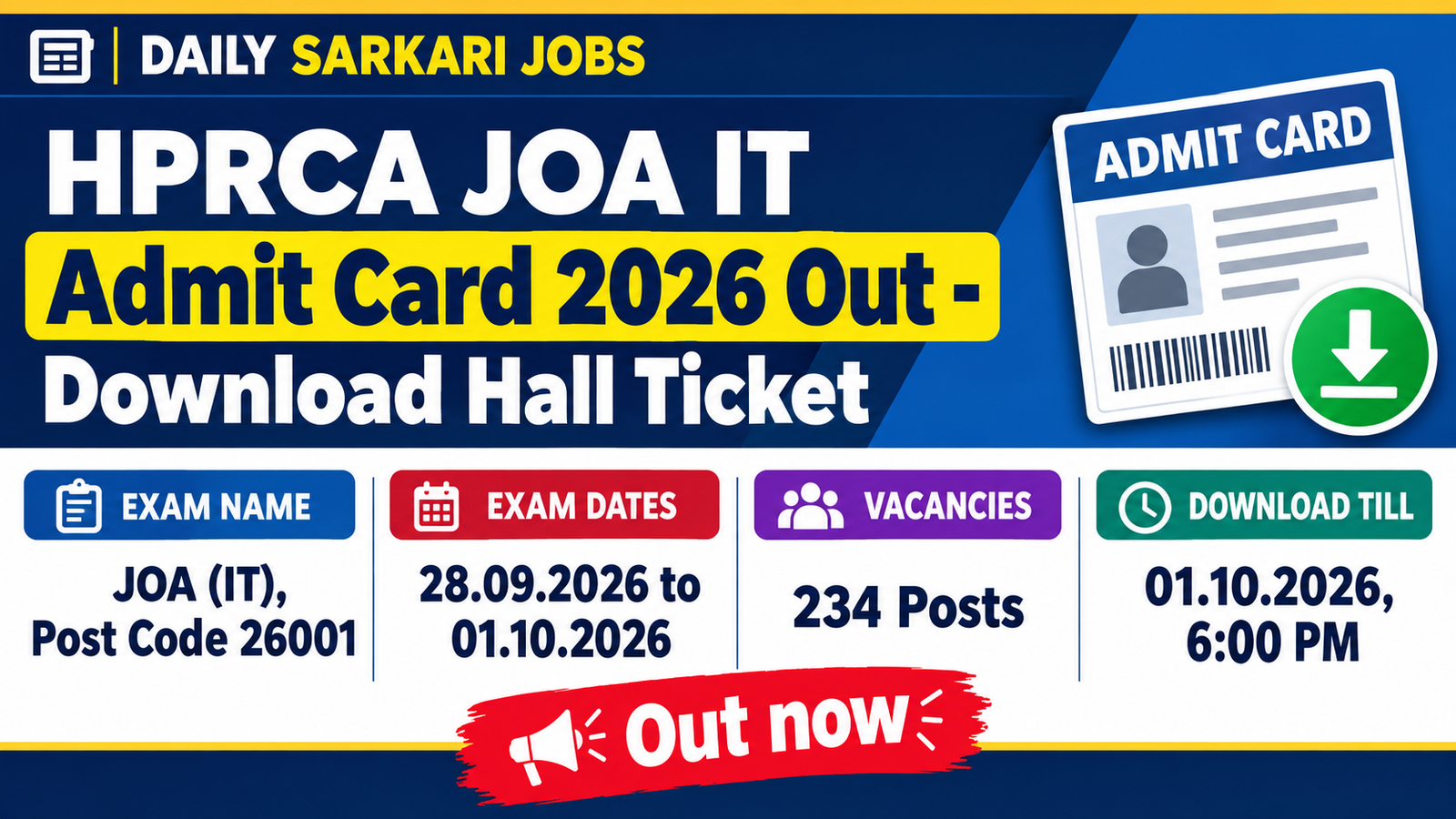
Himachal Pradesh Rajya Chayan Aayog (HPRCA) has released the admit card for the Junior Office Assistant (IT) exam, Post Code 26001. If you applied, you can download your hall ticket from 24.09.2026 until 01.10.2026 (6:00 PM), and the exam itself runs over four days from 28.09.2026 to 01.10.2026 at centres in Himachal Pradesh.
Quick Navigation
HPRCA JOA IT Admit Card 2026 Overview
| Exam Name | Junior Office Assistant (IT) Written Exam |
| Organization | Himachal Pradesh Rajya Chayan Aayog (HPRCA), Hamirpur |
| Notification / Advertisement No. | Advertisement No. 01/2026, Post Code 26001 |
| Location | Himachal Pradesh (exam centres within the state) |
| Total Vacancies | 234 Posts |
| Exam Dates | 28.09.2026, 29.09.2026, 30.09.2026 and 01.10.2026 |
| Admit Card Download Window | 24.09.2026 to 01.10.2026 (till 6:00 PM) |
| Login Details | Application ID and Password (first-time password: date of birth in DDMMYYYY) |
| How to Download | Online only, from the HPRCA JOA (IT) applicant portal |
| Official Website | hprca.hp.gov.in |
Important Dates
| Event | Date |
|---|---|
| Test centre GPS locations published | 21.09.2026 |
| Admit card download starts | 24.09.2026 |
| Exam Day 1 | 28.09.2026 |
| Exam Day 2 | 29.09.2026 |
| Exam Day 3 | 30.09.2026 |
| Exam Day 4 | 01.10.2026 |
| Admit card download ends | 01.10.2026 (6:00 PM) |
How to Download HPRCA JOA IT Admit Card 2026
The admit card is only available online, and it takes a couple of minutes once you have your login details ready:
- Open the HPRCA JOA (IT) applicant portal using the Download Admit Card link in the Important Links section below.
- Click on the login link and enter your Application ID and password (your first-time password is your date of birth in DDMMYYYY format).
- After logging in, click on the admit card download option shown on your dashboard.
- Check your name, photo, roll number, exam date, shift and test centre carefully.
- Download the admit card and take at least two clear printouts, one for the exam day and one as a backup.
Note: If you have forgotten your Application ID or password, use the “Forgot User ID/Password” option on the login page.
Documents to Carry to the Exam Center
| Document | Format / Notes |
|---|---|
| Printed Admit Card | Clear printout of the admit card downloaded from the portal |
| Original Photo ID Proof | Valid government photo ID such as Aadhaar, Voter ID, PAN, Driving Licence or Passport; name must match the admit card |
| Passport-size Photograph | Carry one or two recent photographs in case the centre asks for them |
| Any other item listed on the admit card | Follow the exam-day instructions printed on your admit card |
This list is general guidance; always follow the instructions printed on your own admit card, which take priority.
Important Links
| Link | Details |
|---|---|
| Download Admit Card | Click Here to Login and Download |
| Admit Card Notice (Official Portal) | View Official Notice |
| Candidate FAQs (PDF) | Download FAQs |
| HPRCA Official Website | Visit hprca.hp.gov.in |
| Telegram Channel | Join Telegram Channel |
| WhatsApp Channel | Join WhatsApp Channel |
Common Mistakes to Avoid
- Don’t leave the download for the last day, because the link closes at 6:00 PM on 01.10.2026, which is also the final exam day.
- Check your name, photo, exam date, shift and centre on the admit card, and call the helpdesk at once if anything is wrong.
- Reach the exam centre at least half an hour early, as HPRCA will not let latecomers into the exam hall.
- Use the official GPS location of your test centre on the HPRCA website to plan your route a day in advance.
- Carry an original photo ID whose name exactly matches the name on your admit card.
- Never pay for mock tests through unknown links, since HPRCA has warned candidates about fraudulent payment links.
Frequently Asked Questions
Q. When was the HPRCA JOA IT admit card 2026 released?
Ans. HPRCA opened the admit card download link for Junior Office Assistant (IT), Post Code 26001, on 24.09.2026.
Q. What is the last date to download the admit card?
Ans. You can download your admit card until 01.10.2026 at 6:00 PM, after which the link will close.
Q. When is the HPRCA JOA IT exam 2026?
Ans. The exam is scheduled on 28, 29 and 30 September and 1 October 2026, and your own date and shift will be printed on your admit card.
Q. What do I need to log in and download the admit card?
Ans. You log in with your Application ID and password, and if you are logging in for the first time your password is your date of birth in DDMMYYYY format.
Q. What time should I reach the exam centre?
Ans. HPRCA has instructed all candidates to reach the centre at least half an hour before the exam starts, and latecomers will not be allowed into the exam hall.
Q. How many posts are being filled through this exam?
Ans. This exam is for 234 Junior Office Assistant (IT) posts advertised under Advertisement No. 01/2026.
Q. How can I find the exact location of my test centre?
Ans. HPRCA published the GPS locations of the JOA (IT) test centres on its official website on 21.09.2026, so you can check your centre there before exam day.
Q. Whom should I contact if I cannot download my admit card?
Ans. You can call the helpdesk on +91 99866 38751 between 9:00 AM and 6:00 PM on working days (except Sundays and gazetted holidays), or use the Forgot User ID/Password option on the login page.
Disclaimer: The information above has been compiled from the official notification for the convenience of job seekers. Candidates are advised to verify all details from the official website before applying.