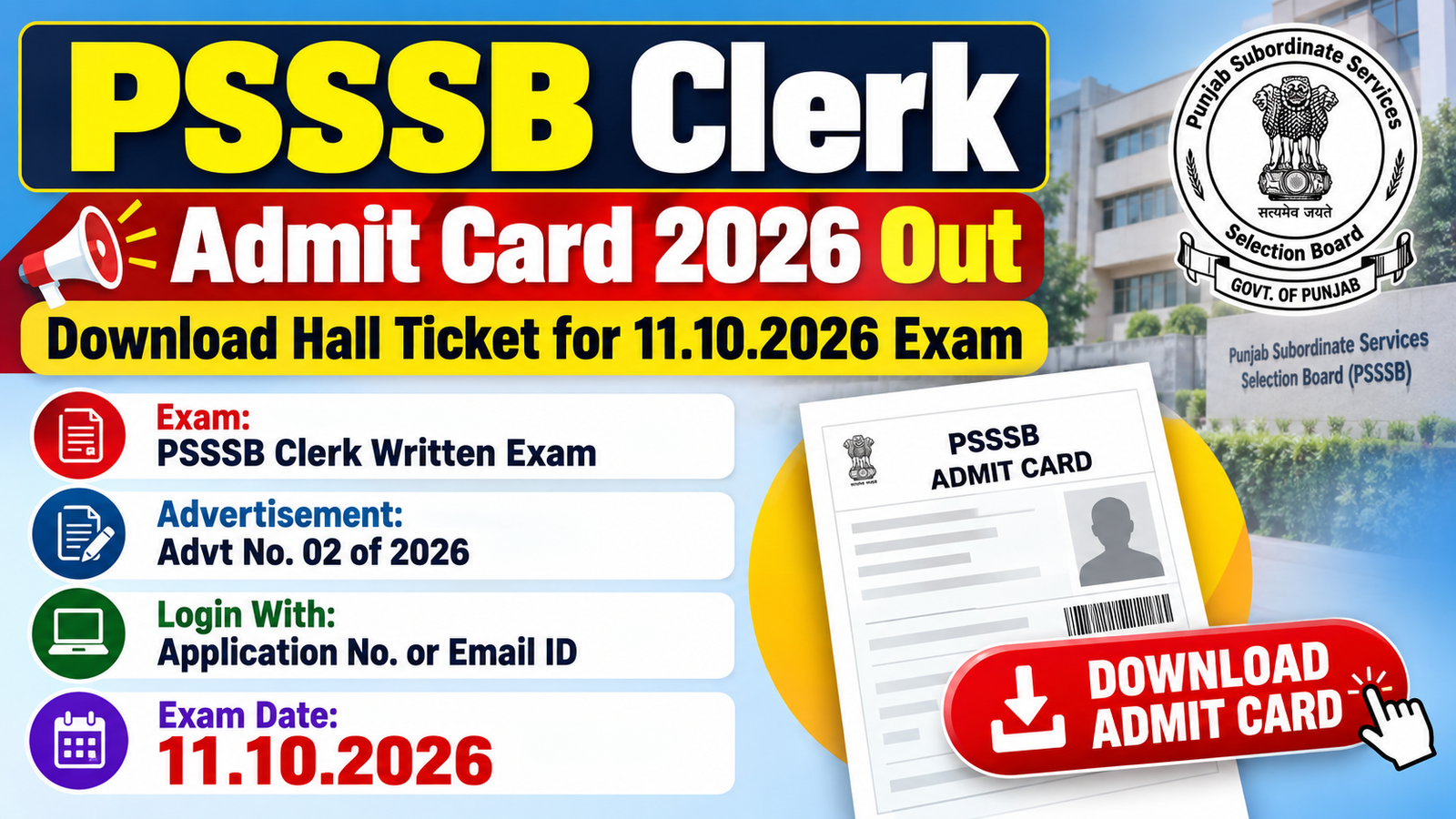
The admit card for the PSSSB Clerk written exam under Advertisement No. 02 of 2026 is now out, and the exam is on 11.10.2026. An admit card, also called a hall ticket, is the entry pass you must show at the exam hall. You download it from the Board’s page using your Application No. or Email ID, your date of birth or mobile number, and a captcha (the letters shown on screen, which you type in).
Quick Navigation
Admit Card Overview
| Field | Details |
|---|---|
| Post Name | Clerk (Common Cadre) |
| Organization | Subordinate Services Selection Board, Punjab (PSSSB) |
| Notification / Advertisement No. | Advertisement No. 02 of 2026 |
| Location | Punjab |
| Exam Name | Written Examination for Clerk |
| Exam Date | 11.10.2026 |
| Admit Card Status | Released on the Board’s download page |
| Download Window | Start and last date are not stated on the download page |
| Login Details | Application No. or registered Email ID, plus Date of Birth or Mobile Number, plus the captcha |
| Download Admit Card | Download Admit Card |
| Technical Help | ehelpdesk8@gmail.com |
| Official Website | sssb.punjab.gov.in |
Important Dates
| Event | Date |
|---|---|
| Written examination for Clerk (Advt No. 02 of 2026) | 11.10.2026 |
| Admit card download | Open on the Board’s download page. Start and last date are not stated there. |
| Exam shift, reporting time and exam centre | Not stated on the download page. Look for them on your admit card. |
How to Download Admit Card
- Open the PSSSB admit card download page (link here).
- Enter your Application No. or the Email ID you registered with.
- Enter your Date of Birth, or your Mobile Number if you prefer.
- Type the captcha shown on the screen. Use the Refresh button if you cannot read it.
- Click Proceed. If the page asks for an OTP (a one-time password sent to you), enter it and click Verify OTP. Then check the Downloads folder for your admit card and print it.
Note: Use Google Chrome. The Board says other browsers can cause date of birth problems. For any technical problem, write to ehelpdesk8@gmail.com. The page does not list the exam shift, reporting time or exam centre, so look for them on your admit card and keep checking sssb.punjab.gov.in for any notice.
Documents to Carry to the Exam Centre
The download page does not list documents to carry. The table below is general guidance, not taken from the Board’s page.
| Document | Format / Notes |
|---|---|
| Printed admit card | A clear printout. The Board’s page asks you to print it after downloading. |
| Original photo ID | A government photo ID such as Aadhaar, PAN, driving licence or voter ID. Check your admit card for the ID it asks for. |
| Passport-size photograph | Only if your admit card asks you to bring one. |
Important Links
| Link | Click Here |
|---|---|
| Download Admit Card (Clerk, Advt No. 02 of 2026) | Download Admit Card |
| Official Website | sssb.punjab.gov.in |
| Related Recruitment Post | PSSSB Punjab Clerk Recruitment 2026 – 531 Posts |
| Join Telegram Channel | Join Telegram Channel |
| Join WhatsApp Channel | Join WhatsApp Channel |
Common Mistakes to Avoid
- Using a browser other than Google Chrome — the Board’s page warns that this can cause problems with your date of birth.
- Mistyping the captcha — the letters change when you refresh, so read them carefully before you click Proceed.
- Forgetting to check the Downloads folder — your admit card is saved there after you download it, and the page asks you to print it from there.
- Leaving the download for the morning of the exam — a slow website or an OTP problem is easy to sort out today and hard to sort out at the last minute.
- Carrying only a phone screenshot — take a clear printout, since the Board’s page asks you to print your admit card.
- Relying on messages from friends for the shift, reporting time or centre — the download page does not list them, so read your own admit card and watch the Board’s website for notices.
Frequently Asked Questions
When is the PSSSB Clerk written exam?
The written exam for Clerk under Advertisement No. 02 of 2026 is on 11.10.2026.
Where can I download the PSSSB Clerk admit card?
You can download it from the Board’s admit card page, which is linked in the Important Links section of this post.
What do I need to log in?
You need your Application No. or registered Email ID, your date of birth or mobile number, and the captcha shown on the screen.
Which browser should I use?
Use Google Chrome, because the Board’s page says it avoids date of birth problems.
What should I do if the page gives a technical problem?
Write to ehelpdesk8@gmail.com, which is the address the Board’s page gives for technical queries.
Does the download page show the exam shift, reporting time and centre?
No, the page does not list them, so look for them on your admit card after you download it and keep an eye on sssb.punjab.gov.in for any notice.
Is this admit card also for Advertisement No. 12 of 2026?
No, this download page is for Advertisement No. 02 of 2026 only, and Advertisement No. 12 of 2026 is a separate recruitment, so check its own notices.
What should I carry to the exam hall?
Carry a clear printout of your admit card, which the Board’s page asks you to print. The page does not list other documents, but it is sensible to take an original photo ID as well.
Disclaimer: The information above has been compiled from the official notification for the convenience of job seekers. Candidates are advised to verify all details from the official website before applying.
- PSSSB Accountant, Legal Assistant Recruitment 2026 – Apply by 22.10.202630.09.2026
- PSSSB Clerk Recruitment 2026 – 70 Posts, Apply Before 19.10.202626.09.2026
- PSSSB Punjab Group D 2026 Correction Portal Out – Edit till 27.09.202623.09.2026
- PSSSB Punjab Clerk 2026 Scribe Notice Out – Email Request by 28.09.202621.09.2026
- PSSSB Punjab Group D Recruitment 2026 – Apply Online for 2007 Sewadar, Chowkidar and Safai Sewak Posts (Advt. No. 04/2026), Last Date Extended to 14.09.202605.09.2026
- PSSSB Punjab Clerk Recruitment 2026 – Apply Online for 531 Clerk (Common Cadre) Posts (Advt No. 02/2026), Last Date 07.09.202622.08.2026