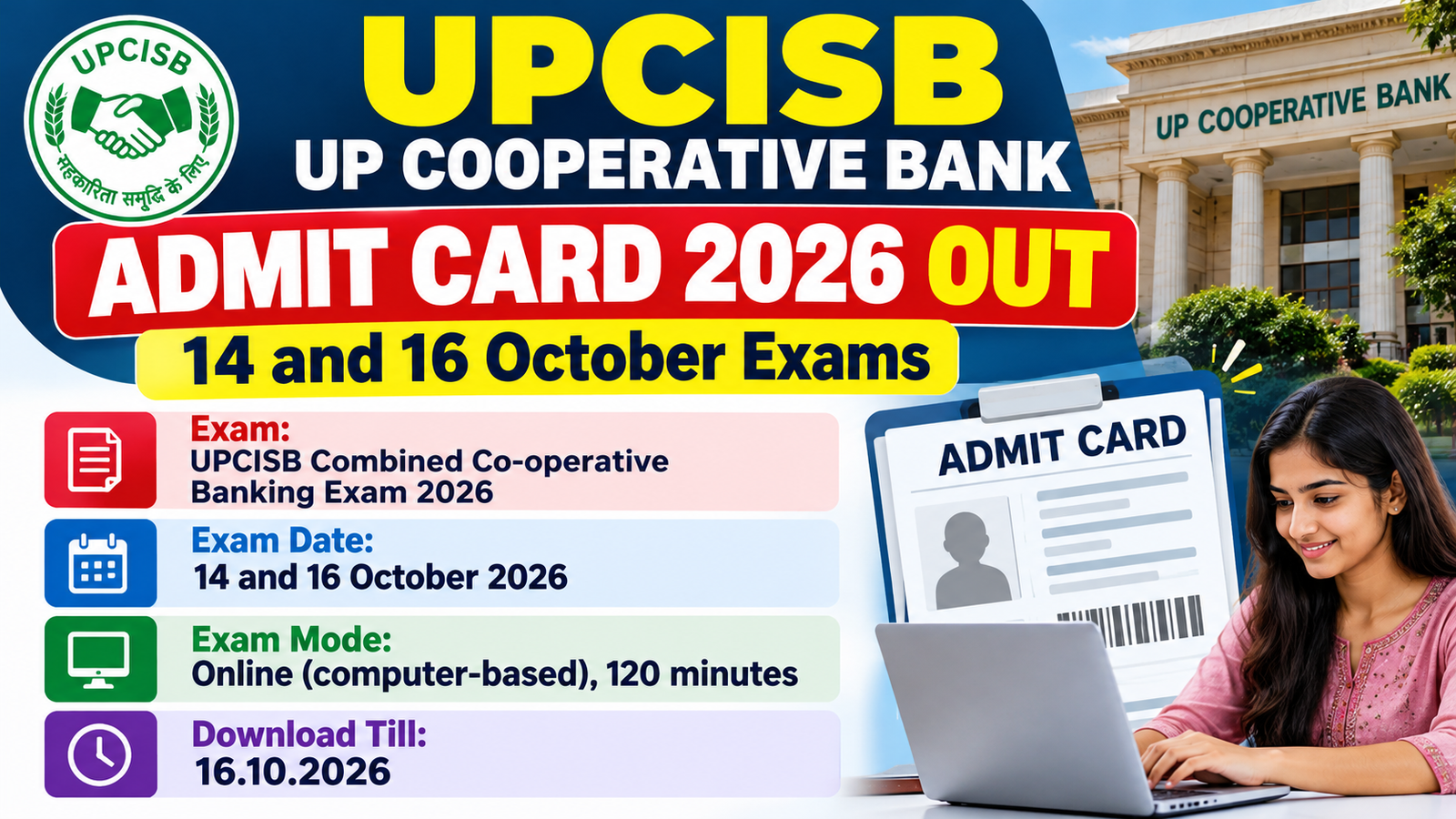
If you applied for the UP Cooperative Institutional Service Board (UPCISB) general recruitment, your admit card is now live – but only for the exams on 14 and 16 October 2026. The board and the IBPS portal call it a call letter, and it is the same thing.
You can download it from 12.10.2026 to 16.10.2026. Exams for other dates in the schedule are not part of this release.
Quick Navigation
- Admit Card Overview
- Important Dates
- Exam Schedule: 14 and 16 October 2026
- Other Dates in the Board’s Schedule (Not in This Release)
- Exam Pattern for the 14 and 16 October Exams
- How to Download Admit Card
- Documents to Carry to the Exam Center
- Exam Day Rules at a Glance
- Important Links
- Common Mistakes to Avoid
- Frequently Asked Questions
Admit Card Overview
| Field | Details |
|---|---|
| Exam Name | Combined Co-operative Banking, Non-Banking and Technical Services Examination (General Recruitment) 2026 |
| Organization | Uttar Pradesh Cooperative Institutional Service Board (UPCISB) |
| Notification / Advertisement No. | A-2/G.R./2026 (dated 14.04.2026) |
| Location | Uttar Pradesh |
| Admit Card Release | 12.10.2026 |
| Download Window | 12.10.2026 to 16.10.2026 |
| Exam Dates in This Release | 14.10.2026 and 16.10.2026 |
| Exam Mode | Online (computer-based test), 120 minutes |
| Login Details | Registration No. or Roll No., and password or date of birth (DD-MM-YY) |
| Exam Schedule Notice | Download exam schedule notice (01.10.2026) |
| Download Admit Card | IBPS call letter portal (UPCISB) |
Important Dates
| Event | Date |
|---|---|
| Admit card download starts | 12.10.2026 |
| Admit card download closes | 16.10.2026 |
| Exam for Assistant / Cashier / Clerical Staff posts | 14.10.2026 |
| Exam for Assistant Accountant and Accounts Clerk posts | 16.10.2026 |
Exam Schedule: 14 and 16 October 2026
| Date | Shift Timing | Post |
|---|---|---|
| 14.10.2026 | Shift 1: 8:00 AM to 10:00 AM | Assistant / Cashier (Banking Assistant) / Clerical Staff (Category 3) – District Cooperative Bank Ltd |
| 14.10.2026 | Shift 2: 12:00 PM to 2:00 PM | Assistant / Cashier (Banking Assistant) / Clerical Staff (Category 3) – District Cooperative Bank Ltd |
| 14.10.2026 | Shift 3: 4:00 PM to 6:00 PM | Assistant / Cashier (Banking Assistant) / Clerical Staff (Category 3) – District Cooperative Bank Ltd |
| 16.10.2026 | Shift 1: 8:00 AM to 10:00 AM | Assistant Accountant (Category 3) – U.P. Cooperative Union Ltd |
| 16.10.2026 | Shift 2: 12:00 PM to 2:00 PM | Accounts Clerk (Category 3) – U.P. Cooperative Jute and Agricultural Development Federation Ltd |
The shift and time that apply to you are printed on your own admit card. The times above are the exam hours – the board asks you to report earlier than this, at the time shown on the card.
Other Dates in the Board’s Schedule (Not in This Release)
| Date | Shift Timing | Post |
|---|---|---|
| 22.10.2026 | 8:00 AM to 10:00 AM | Accountant (various UP cooperative federations) |
| 22.10.2026 | 12:00 PM to 2:00 PM | Assistant Accountant (various UP cooperative federations) |
| 22.10.2026 | 4:00 PM to 6:00 PM | Assistant Accountant (various UP cooperative federations) |
| 26.10.2026 | 8:00 AM to 10:00 AM | Junior Engineer (Civil) |
| 26.10.2026 | 12:00 PM to 2:00 PM | Junior Engineer (Civil) |
The board’s website notice says this admit card is only for the 14 and 16 October exams. If your exam is on one of the dates above, watch the official website for your call letter.
Exam Pattern for the 14 and 16 October Exams
14 October: Assistant / Cashier / Clerical Staff (Category 3)
| Test | Questions | Marks | Time |
|---|---|---|---|
| Reasoning Ability | 20 | 40 | 25 minutes |
| Numerical Ability | 20 | 40 | 25 minutes |
| Computer Knowledge | 20 | 40 | 15 minutes |
| Language (Hindi 10 and English 10) | 20 | 40 | 20 minutes |
| General Awareness | 20 | 20 | 15 minutes |
| Co-operative | 20 | 20 | 20 minutes |
| Total | 120 | 200 | 120 minutes |
16 October: Assistant Accountant and Accounts Clerk (Category 3)
| Test | Questions | Marks | Time |
|---|---|---|---|
| Reasoning Ability | 20 | 20 | 20 minutes |
| Numerical Ability | 20 | 20 | 20 minutes |
| General Awareness | 15 | 15 | 10 minutes |
| Co-operative | 15 | 15 | 10 minutes |
| Language (Hindi 5 and English 5) | 10 | 10 | 10 minutes |
| Subject knowledge as per post (the handout lists Civil Engineering, Electrical Engineering and Commerce and Accountancy for this group) | 40 | 120 | 50 minutes |
| Total | 120 | 200 | 120 minutes |
In short: each test has its own timer, so you cannot go back to a test once its time is over. A wrong answer costs one-fourth of that question’s marks, and the board may set cut-offs on each test as well as on the total score.
How to Download Admit Card
- Open the UPCISB call letter page on the IBPS portal (link in Important Links below).
- Type your Registration No. or Roll No.
- Type your password or your date of birth in DD-MM-YY format, then enter the captcha code shown on the screen.
- Click the login button, then download the call letter and check your name, photo, exam date, shift and venue.
- Print it clearly and stick a recent passport-size photograph on it before exam day.
Note: if you forgot your password, use the Forgot Password option on the same page. The page also carries the instruction handout and Appendix-I (the medical certificate format).
Documents to Carry to the Exam Center
| Document | Format / Notes |
|---|---|
| Printed admit card | Stick a recent passport-size photograph on it, preferably the same one you uploaded in your application. |
| Photo ID (original) | PAN Card, Passport, permanent Driving Licence, Voter Card with photo, Bank Passbook with photo, Aadhaar or e-Aadhaar, valid recent college or university ID, Employee ID, Bar Council ID, or a photo ID on official letterhead from a Gazetted Officer or a People’s Representative. Ration Card and Learner’s Driving Licence are not accepted. |
| Photocopy of the same ID | Staple it to your admit card and hand both to the invigilator (the person supervising your exam room). |
| Aadhaar Card | The board does Aadhaar-linked biometric checks at the venue, so carry your Aadhaar Card. |
| Ball point pen | You get a sheet for rough work. Hand it back, with your admit card, before you leave. |
| UDID or disability certificate | Only for PwBD candidates (persons with benchmark disability). |
| Scribe declaration form and scribe’s photo ID copy | Only if you use a scribe (a helper who writes the answers for you). The form comes with the admit card. |
| Medical certificate in Appendix-I format | Only for candidates with less than 40 percent disability who find writing difficult and are eligible for a scribe. They may get 20 extra minutes for every hour of the exam. |
| Name-change proof | Only if your name today differs from your ID. Carry the original gazette notification, marriage certificate or affidavit. |
Exam Day Rules at a Glance
| Topic | What the Board Says |
|---|---|
| Reporting | Report well before the time printed on the admit card. You may need to be at the venue for about 180 minutes. Latecomers are not allowed in. |
| Photo and iris | Your photo and left-eye iris are captured at the venue and matched with your application photo. Do not change your look. Remove contact lenses and spectacles for the iris scan. |
| Thumb impression | Your thumb impression is taken before the exam. Wash off mehndi, ink or colour from your fingers, and keep them clean and dry. |
| Dress code | Light clothes with half sleeves, no big buttons, badges or brooches, no metal items such as zips. Wear slippers or sandals, not shoes or socks. |
| Not allowed | Calculators, books, notebooks, written notes and any electronic device. |
| During the exam | Do not press any keyboard key once the exam starts, because it locks the exam. Click Save and Next to save each answer. |
Important Links
| Link | Click Here |
|---|---|
| Download Admit Card (Call Letter) | Click Here to Download |
| Exam Schedule Notice (01.10.2026) | Download Notice |
| Important Exam Notice (08.10.2026) | Download Notice |
| Information Handout for Candidates | Download Handout |
| UPCISB Official Website | Visit Website |
| Join Telegram Channel | Join Telegram Channel |
| Join WhatsApp Channel | Join WhatsApp Channel |
Common Mistakes to Avoid
- Do not wait for 16 October to download. The link closes that day, and the last exam in this batch is also on 16 October.
- Check that your name on the admit card matches your photo ID exactly. If it does not, you will not be allowed to sit the exam.
- Do not forget the photocopy of your ID. Bring the original too, and remember that a Ration Card or Learner’s Driving Licence is not accepted.
- Wash off mehndi, ink or colour from your fingers a day before. If the thumb or iris check fails because of it, you can be refused entry.
- Do not arrive at the last minute. The board suggests visiting the venue a day before, and latecomers are not allowed in.
- Do not press any key on the keyboard after the exam starts. It locks the exam screen.
Frequently Asked Questions
Which exams does this UPCISB admit card cover?
It covers the exams on 14 October 2026 (Assistant, Cashier and Clerical Staff posts in District Cooperative Banks) and 16 October 2026 (Assistant Accountant and Accounts Clerk posts).
Where can I download the UPCISB admit card?
You can download it from the UPCISB call letter page on the IBPS portal, or follow the link from the Advertisement, What’s New or Examination section of the UPCISB website.
What do I need to log in?
You need your Registration No. or Roll No., and your password or date of birth in DD-MM-YY format.
What is the last date to download the admit card?
The download link opened on 12.10.2026 and closes on 16.10.2026.
How long is the exam, and is there negative marking?
The online test is 120 minutes with 120 questions for 200 marks, and every wrong answer costs one-fourth of that question’s marks.
Which ID will the exam center accept?
Bring an original photo ID such as PAN Card, Passport, Driving Licence, Voter Card or Aadhaar, plus one photocopy of the same ID, and the name must match your admit card exactly.
My exam is on 22 or 26 October. Is my admit card out?
Not in this release – the board’s notice says this call letter is only for the 14 and 16 October exams, so watch the official website for your date.
Can I take a calculator, phone or notes into the exam?
No, calculators, books, notes and any electronic device are not allowed, and you should wear light clothes with slippers or sandals.
Disclaimer: The information above has been compiled from the official notification for the convenience of job seekers. Candidates are advised to verify all details from the official website before applying.
- UPCISB UP Cooperative Bank General Recruitment Syllabus 2026 and Exam Pattern15.09.2026
- UPCISB UP Cooperative Bank Admit Card 2026 Out – Exam 17 to 21 September15.09.2026
- UPCISB UP Cooperative Bank Syllabus 2026 and Main Exam Pattern PDF – Manager, Junior Manager, AE Civil, Assistant and Typist06.09.2026
- UPCISB UP Cooperative Bank Admit Card 2026 – Download Call Letter for 07 and 08 September Main Exam05.09.2026
- UPCISB UP Cooperative Bank Syllabus 2026 and Main Exam Pattern PDF – Combined Co-operative Banking and Technical Services Exam (Special Recruitment)05.09.2026